Agent-Sandbox Overview
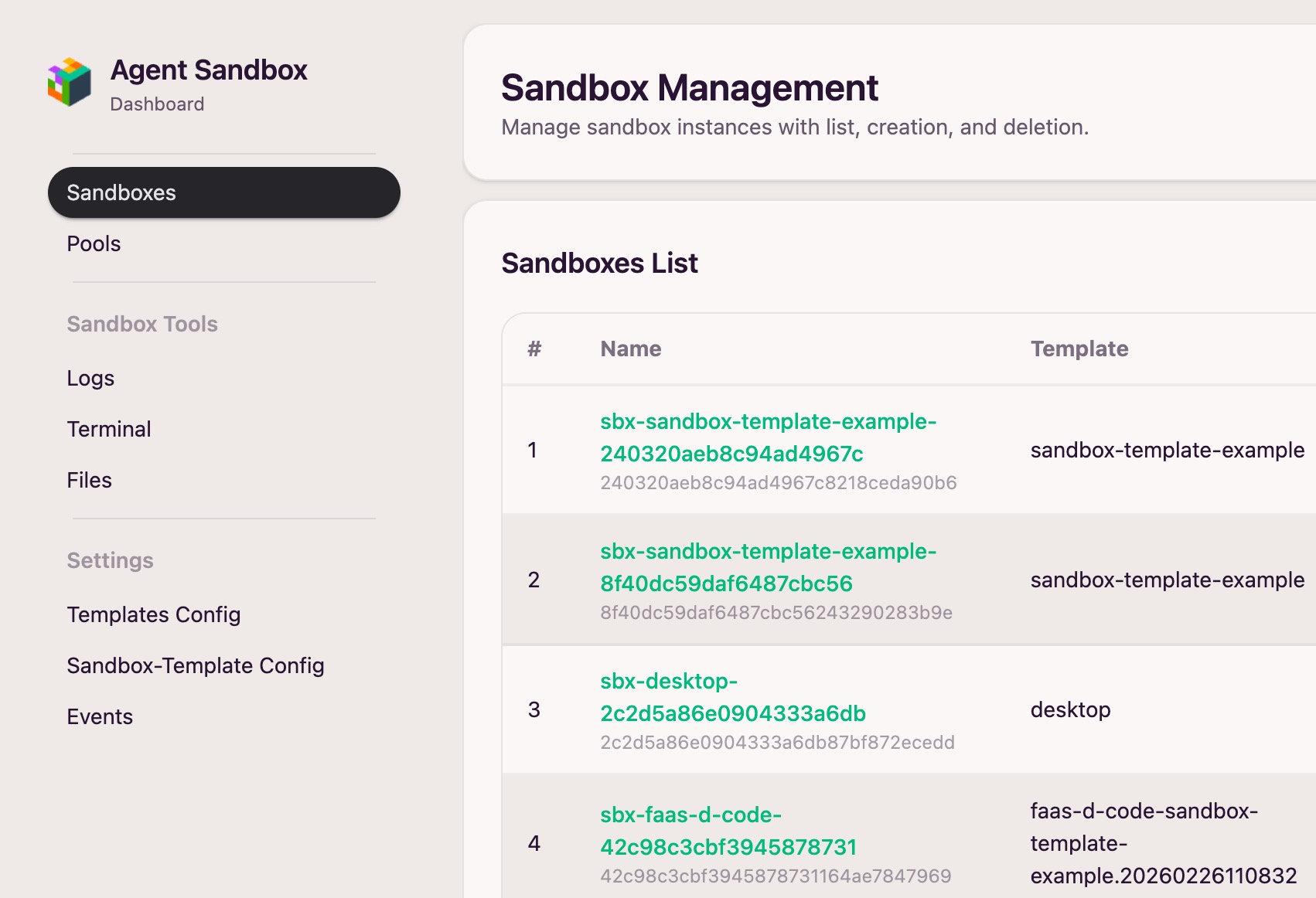
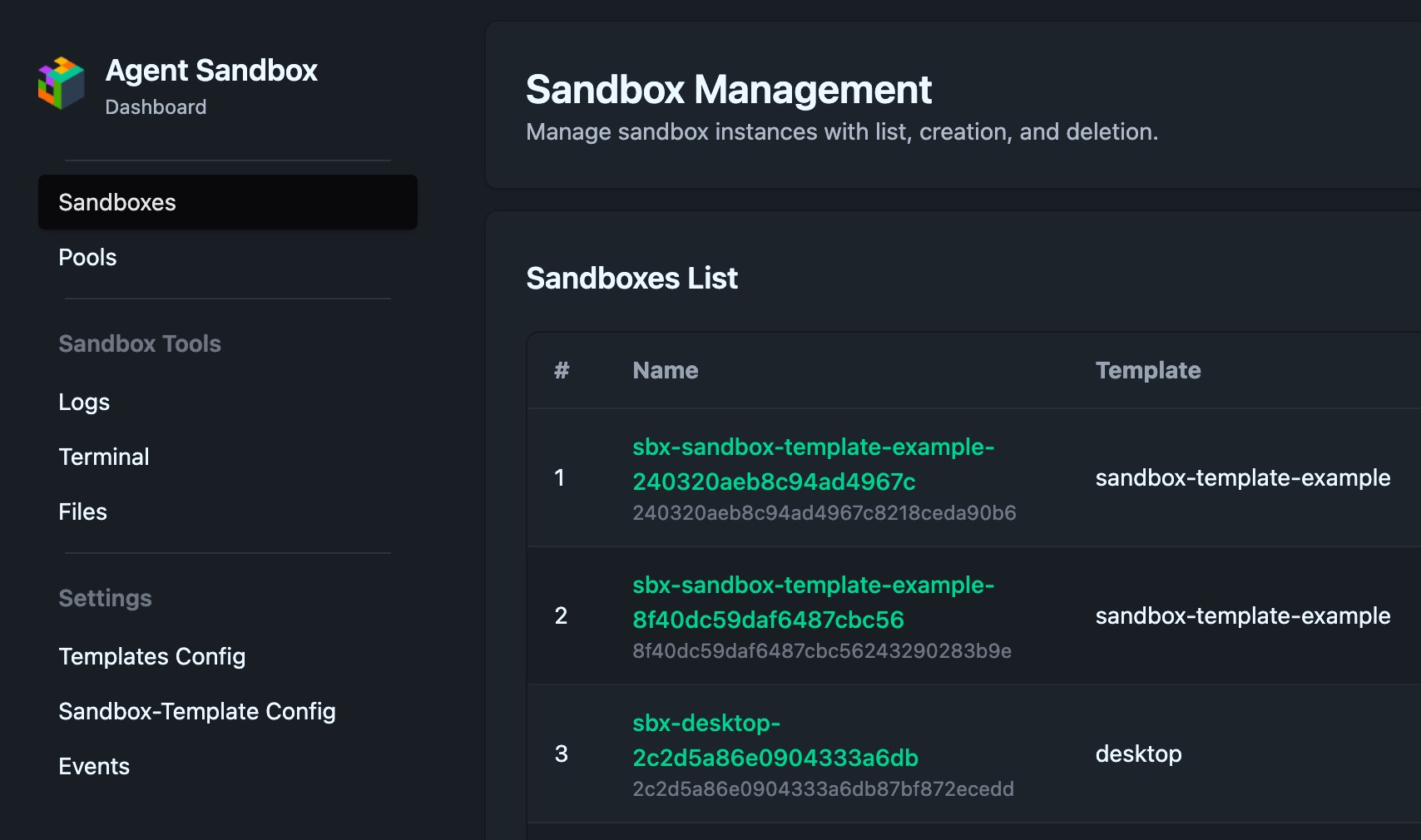
Agent-Sandbox is a self-hosted, lightweight, Kubernetes-native sandbox runtime for AI Agents — an open-source alternative to Blaxel Sandbox and E2B, fully compatible with the E2B protocol and SDKs.
One deployment covers every sandbox type an agent needs — code execution, browser use, computer/desktop use, and shell access — each isolated per-agent or per-user, with state that persists across sessions.
Features
-
Lightweight, easy to run
One component, one command.
kubectl apply -f install.yamland you're live in minutes — no etcd, no database, no CRDs. The Web UI ships in the same image. -
AI-native
MCP server, E2B SDKs, and Skills let agents create, use, and tear down sandboxes on their own, no
kubectlrequired. -
Production-ready
Multi-tenant isolation, a warm Sandbox Pool, Pause/Resume, Snapshot, scale-to-zero on idle, and leader election for HA.
-
Open and flexible
Blueprint controls how a sandbox is deployed, Template controls what sandbox types exist, both live-editable from the UI, plus regex-matched dynamic templates.
What it provides
- Full E2B protocol & SDK compatibility — a drop-in replacement for existing E2B-based agents and tools.
- Sandbox lifecycle management: create, list, connect, pause/resume, delete.
- Multi-tenant access control with system and regular users.
- Sandbox Pool for pre-warmed, low-latency allocation, plus Snapshot and scale-to-zero on idle/timeout.
- Leader election for high availability.
- Blueprint & Template configuration, including regex-matched dynamic templates, editable live from the UI.
- Observability with sandbox events, metrics, and logs.
- Interactive operations: terminal, file upload/download, and sandbox routing.
- MCP server integration for agent-native automation.
- Built-in Web UI, shipped in the same image, for sandbox/template/pool operations and runtime inspection.
Quick start 
See Quick Start for a step-by-step guide covering deployment, creating a sandbox via the E2B SDK, and using the REST API.